Kinetic / After Effects alternative
Motion-designed launch videos, without After Effects.
After Effects can do anything, which is why a launch film takes days in it. Kinetic does one thing, launch and product films, and lets you edit them like a document: change the words, colours and screenshots, and it re-animates everything.
Windows 10 and 11. Free with 3 clean exports a month; Pro is $19 once.
Where Kinetic fits
Use After Effects when you need a one-off piece with custom illustration, 3D or character animation, or you already work as a motion designer.
Use Kinetic when you need a launch film, product demo, feature drop or social cut this week, and you'd rather edit text than keyframes. Kinetic ships 38 scene types, 12 visual styles and 40 templates, all timed to music, and renders on your PC.
What you don't have to do
- No keyframes, easing curves or pre-comps.
- No plugin hunting for kinetic type.
- No re-animating when the copy changes: edit the line and the scene re-times itself.
- No separate edits for vertical and square: switch the format and export again.
Templates to start from

Kinetic text explainer
After Effects-style type doing all the talking.
The $3,000 launch
Hook on the price you didn't pay, then the product.

Studio résumé reel
Hook in a second, a run of techniques, a clean last frame.
Looping showreel
Loud and playful, ends where it started.
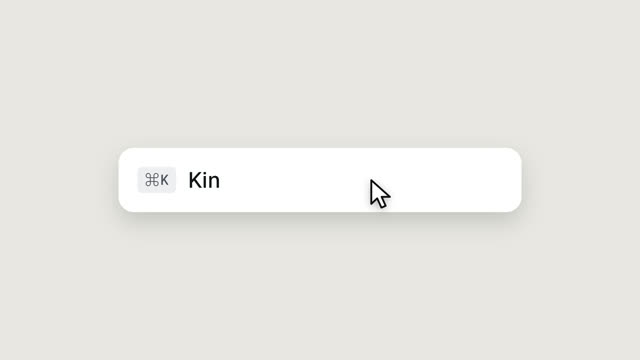
UI morph reel
Nine UI states, one shape, a cursor on every beat.
Brand film
One feeling, one idea, never features. The name comes last.
Questions
Can I export to After Effects or Premiere?
Kinetic exports MP4 and GIF. You can bring the MP4 into any editor to combine it with other footage.
Is it really free?
Yes, with 3 clean exports a month; later exports that month carry a small badge. Pro is a one-time $19 for unlimited clean exports.
Do I need a powerful PC?
No. Kinetic renders frame by frame on your PC; a faster machine just finishes sooner. There is also a draft mode for quick previews.
Make yours this afternoon.
Kinetic is free for Windows 10 and 11, with 3 clean exports a month. Pro is $19 once for unlimited clean exports, no subscription.