Kinetic / Templates / Feature drop
Feature drop template
One new feature on the real UI: close-up, click, done. A Mono UI film in 16:9, about 12 seconds. Put in your product name, URL and screenshots and Kinetic rebuilds it around you.
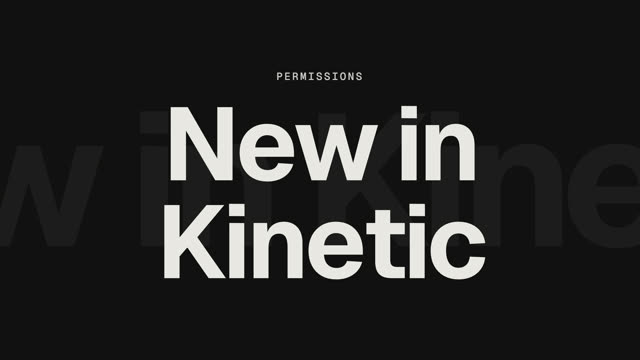
Playing live in Kinetic's engine, shown for a sample brand. In the app it uses your name, colours and screenshots.
Scene by scene
- Highlight. Not everyone should see everything
- Title. New in your product
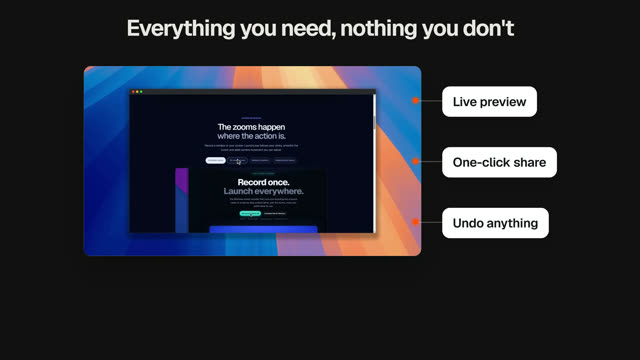
- UI close-up. Your screenshot, framed and animated
- Toggle. Restrict this column
- Callouts. Share the table, not the secrets
- End card. your URL · Out now for everyone
- Category
- SaaS
- Style
- Mono UI: Dribbble-level UI motion: warm gray, black and white, one accent
- Format
- 16:9 for your site, YouTube and Product Hunt. Re-export in 16:9, 9:16 or 1:1 with one click.
- Length
- About 12 seconds, 6 scenes
- Music
- Built-in "air" track at 120 BPM, every cut on the beat
- Exports
- MP4 and GIF, rendered on your PC
- Credit
- Adapted from a prompt by @wustep
Make it yours in three steps
Open the template
Download Kinetic, open Templates and pick “Feature drop”.
Add your brand
Type your product name, paste your URL to pull your colours, and drop in screenshots. Edit any word or scene.
Export
Render an MP4 or GIF on your PC in 16:9, 9:16 or 1:1. No watermark on your first 3 exports each month.
Make yours this afternoon.
Kinetic is free for Windows 10 and 11, with 3 clean exports a month. Pro is $19 once for unlimited clean exports, no subscription.