Kinetic / Guides / App Store preview video
App Store and Google Play preview videos, made in your browser.
Put your app screens in a phone frame, add one caption per screen, and Kinetic animates the rest: swipes, zooms and cuts timed to music. Export a vertical MP4 for your store listing or social feeds.
Runs in Chrome, Edge and Safari on Mac, Windows, Linux and ChromeOS. Free trial: 3 exports, no card. Pro is one payment: $9 for the first 100 buyers, then $19.
What a good app preview shows
- The core action in the first seconds. Store visitors scroll fast; lead with what the app does.
- Real screens. Show the actual interface, framed in a phone.
- Short captions. A few words per screen, readable without sound.
- A consistent look. Use your brand colour across every beat.
How to make one
- Open Kinetic at kinetic.launchloop.tech/app and sign in with Google. Nothing to install.
- Describe what you're launching in a sentence or two, or paste your site's URL so Kinetic picks up the name, colours and copy.
- Add screenshots of the product. Kinetic places them in phone, laptop or browser frames and animates them.
- Edit like a document. Change any word, colour, scene or beat; the scene re-times itself to the music.
- Export MP4 in 16:9, 9:16 or 1:1. Rendering happens on your own computer, so nothing waits in a server queue.
Check the store's rules before uploading
Apple's App Store and Google Play each set their own preview requirements, such as accepted resolutions, length and what can appear on screen. Check the current specifications in Apple's app preview guidelines and the Google Play Console help before you upload, then export at the matching aspect ratio. Kinetic exports 9:16, 16:9 and 1:1 MP4.
Templates to start from
Every template opens in the editor with its words, colours, music and screenshots ready to change. See all 40 templates.
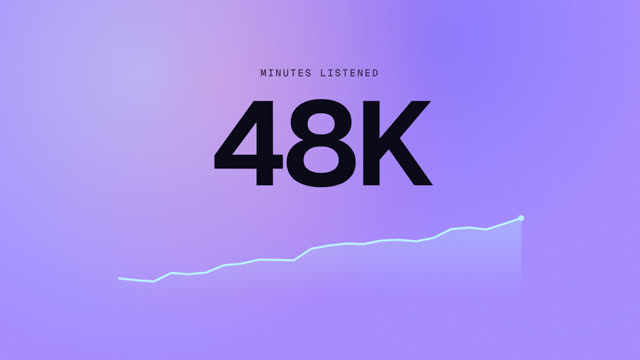
Music app drop
An app drop timed to the track.
Vertical launch cut
A 9:16 cut for Reels, Shorts and TikTok.
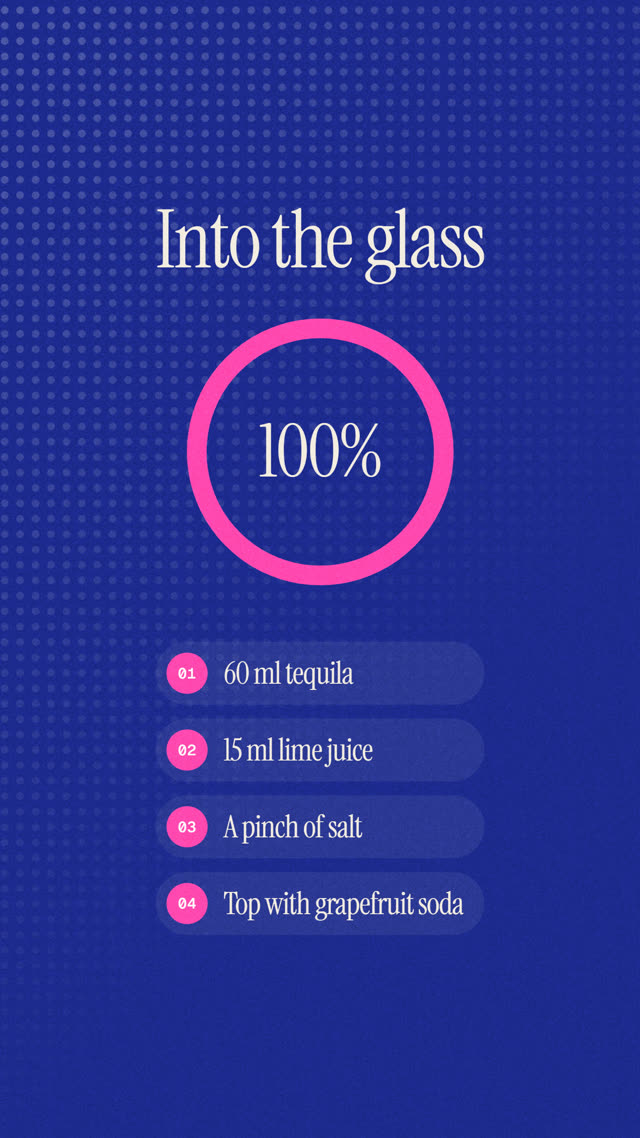
Recipe film
A vertical step-by-step film.
15-second ad
Hook, offer, call to action in 15s.
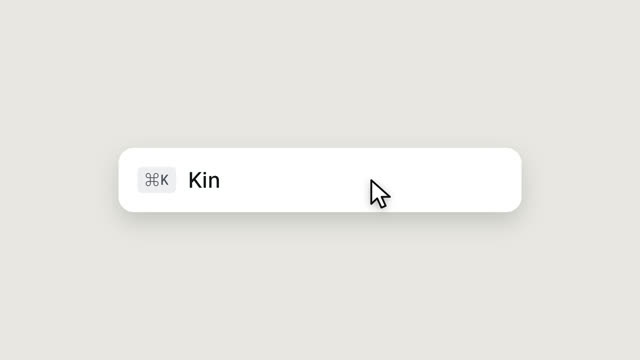
UI morph reel
Nine UI states, one shape, a cursor on every beat.
One-shape launch
One shape carries the whole square film.
Questions
Does Kinetic export at the exact App Store resolution?
Kinetic exports 9:16, 16:9 and 1:1 MP4. Check the store's current size requirements; if they need a specific resolution, scale the MP4 in any converter.
Can I show both iPhone and Android screens?
Yes. Add whichever screenshots you have; Kinetic frames them in a phone mockup.
Does Kinetic work on a Mac?
Yes. Kinetic runs in the browser on Mac, Windows, Linux and ChromeOS. Use Chrome, Edge or Safari 16.4 or newer. There is also a desktop app for Windows 10 and 11.
Is Kinetic free?
You can make and edit films for free, and the free trial includes 3 exports with no card. Kinetic Pro is one payment for unlimited exports: $9 for the first 100 buyers, then $19. No subscription.
Can I use the videos commercially?
Yes. The videos you export are yours, and the built-in music is synthesised in the app, so it is licence-free. Respect the rights of any images or logos you import.
Related guides
Make yours this afternoon.
Open Kinetic in your browser, describe what you're launching, and edit the film it writes. Runs in Chrome, Edge and Safari on Mac, Windows, Linux and ChromeOS. Free trial: 3 exports, no card. Pro is one payment: $9 for the first 100 buyers, then $19. Compare plans.