Kinetic / Guides / Kinetic typography
Kinetic typography, without keyframes.
Type your lines. Kinetic sets them in motion: slams, typewriter reveals, split words, stacked headlines and cuts on the beat, in 27 visual styles. Change a word and the scene re-times itself.
Runs in Chrome, Edge and Safari on Mac, Windows, Linux and ChromeOS. Free trial: 3 exports, no card. Pro is one payment: $9 for the first 100 buyers, then $19.
What kinetic typography is
Kinetic typography is text that moves to carry meaning: words appear on the beat, scale up for emphasis, or swap to make a point. It's common in launch films, lyric videos and social ads because it reads instantly with the sound off.
Animation types in Kinetic
- Slam: one big word or line hits the frame.
- Typewriter and retype: lines type on, or a word is selected and rewritten.
- Append and stack: lines build a list or a headline.
- Compare: a before and after, side by side.
- Caption: a line with one highlighted phrase.
See them in the Kinetic text explainer and on the styles page.
How to make one
- Open Kinetic at kinetic.launchloop.tech/app and sign in with Google. Nothing to install.
- Describe what you're launching in a sentence or two, or paste your site's URL so Kinetic picks up the name, colours and copy.
- Add screenshots of the product. Kinetic places them in phone, laptop or browser frames and animates them.
- Edit like a document. Change any word, colour, scene or beat; the scene re-times itself to the music.
- Export MP4 in 16:9, 9:16 or 1:1. Rendering happens on your own computer, so nothing waits in a server queue.
Templates to start from
Every template opens in the editor with its words, colours, music and screenshots ready to change. See all 40 templates.
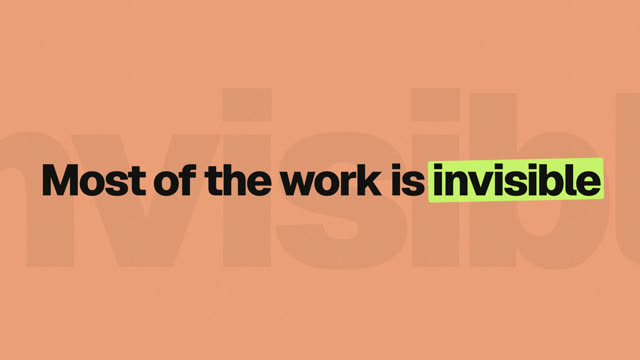
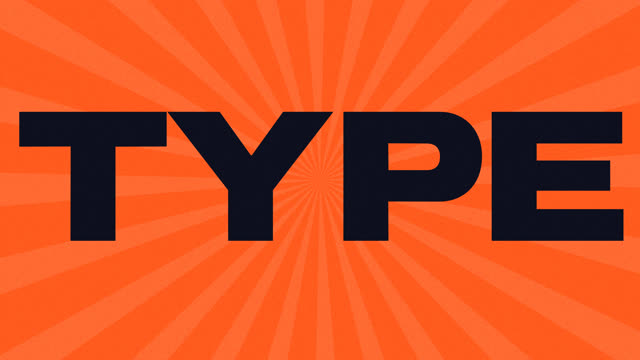
Kinetic text explainer
Type doing all the talking.
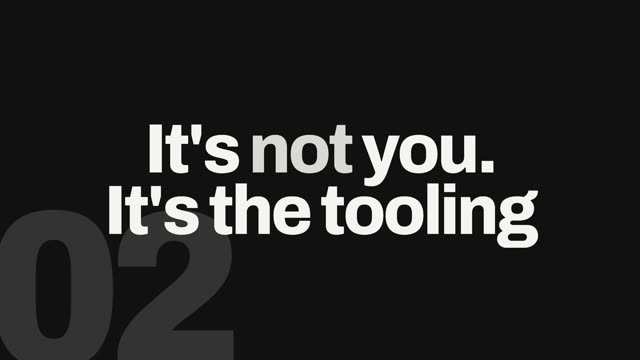
Nine-beat launch
Nine fast beats, one idea each, on a Swiss grid.
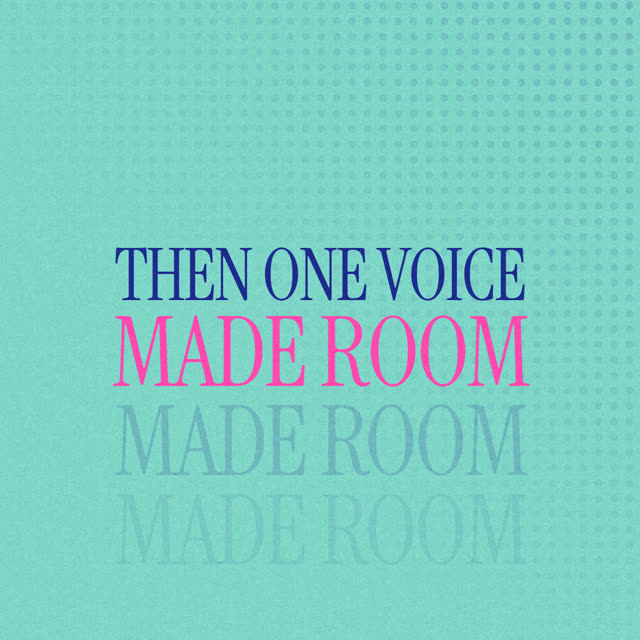
Spoken-word film
Words land with the voice.
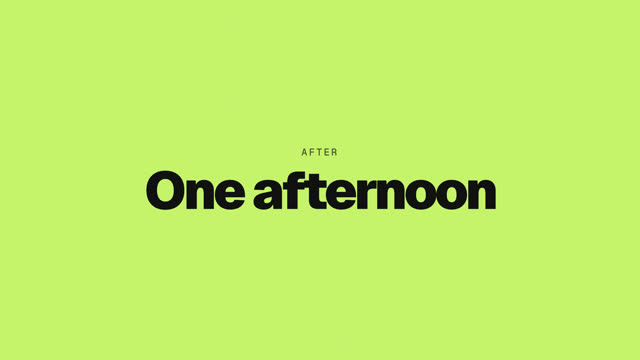
The $3,000 launch
Hook on the price you didn't pay, then the product.
Looping showreel
Loud and playful, ends where it started.
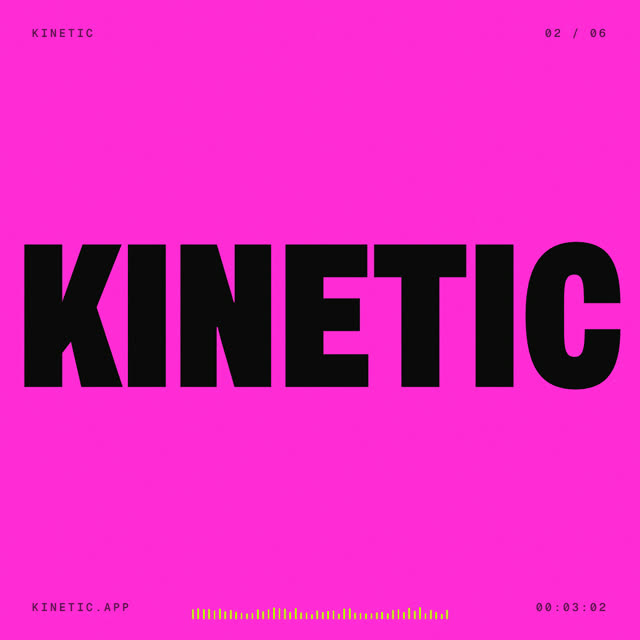
Street-poster bumper
A street-poster logo sting.
Questions
Can I pick my own fonts?
Each of Kinetic's 27 styles comes with its own type pairing, and you can change colours and words freely.
Can I make lyric videos?
Kinetic is built for short product and social films, but the spoken-word template shows how lines can land with a voice or track.
Does Kinetic work on a Mac?
Yes. Kinetic runs in the browser on Mac, Windows, Linux and ChromeOS. Use Chrome, Edge or Safari 16.4 or newer. There is also a desktop app for Windows 10 and 11.
Is Kinetic free?
You can make and edit films for free, and the free trial includes 3 exports with no card. Kinetic Pro is one payment for unlimited exports: $9 for the first 100 buyers, then $19. No subscription.
Can I use the videos commercially?
Yes. The videos you export are yours, and the built-in music is synthesised in the app, so it is licence-free. Respect the rights of any images or logos you import.
Make yours this afternoon.
Open Kinetic in your browser, describe what you're launching, and edit the film it writes. Runs in Chrome, Edge and Safari on Mac, Windows, Linux and ChromeOS. Free trial: 3 exports, no card. Pro is one payment: $9 for the first 100 buyers, then $19. Compare plans.