Kinetic / Guides / Product demo video maker
Product demo videos from screenshots, not screen recordings.
Screen recordings show everything, including the slow parts. Kinetic builds a demo from your screenshots instead: it frames each screen, zooms into the part that matters, and writes a short caption for every step.
Runs in Chrome, Edge and Safari on Mac, Windows, Linux and ChromeOS. Free trial: 3 exports, no card. Pro is one payment: $9 for the first 100 buyers, then $19.
Why an animated demo instead of a recording
A recorded demo drifts: loading spinners, mouse wandering, a pop-up you forgot to close. An animated demo shows only the moments that sell the product, at a steady pace, with captions that explain each step. It also stays easy to update: replace one screenshot when the UI changes.
How it works
- Open Kinetic at kinetic.launchloop.tech/app and sign in with Google. Nothing to install.
- Describe what you're launching in a sentence or two, or paste your site's URL so Kinetic picks up the name, colours and copy.
- Add screenshots of the product. Kinetic places them in phone, laptop or browser frames and animates them.
- Edit like a document. Change any word, colour, scene or beat; the scene re-times itself to the music.
- Export MP4 in 16:9, 9:16 or 1:1. Rendering happens on your own computer, so nothing waits in a server queue.
Structure that keeps people watching
- The job the product does, in one line.
- The first screen, with the key element highlighted.
- Two or three steps, one screenshot each.
- The result: the output, the dashboard, the number.
- Name, URL, and how to start.
Use the Product demo or Feature drop template for this structure.
Templates to start from
Every template opens in the editor with its words, colours, music and screenshots ready to change. See all 40 templates.
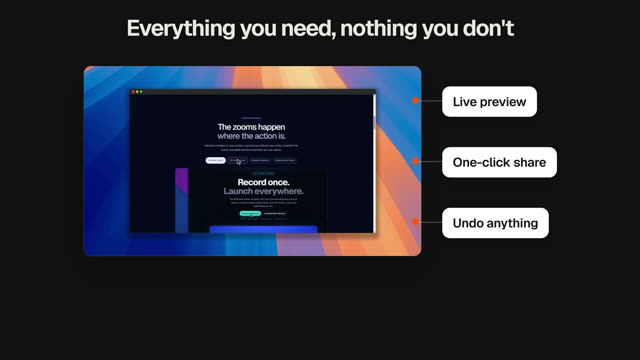
Product demo
Real UI close-ups, step by step.
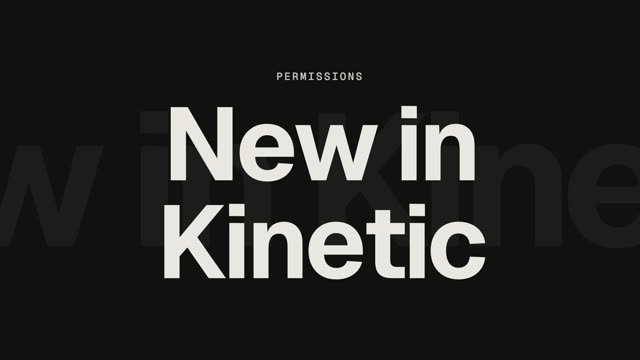
Feature drop
One new feature, shown in the interface.

Use-case blitz
One use case per beat, fast.
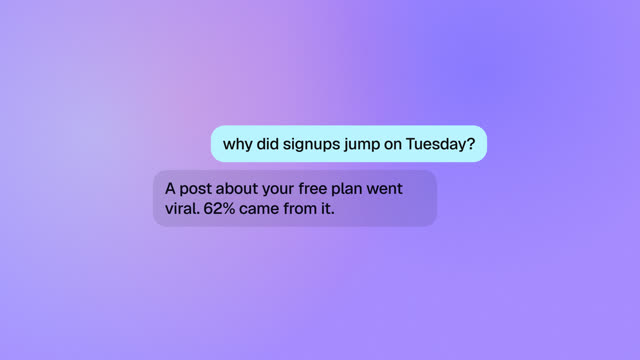
Ask your data
Ask a question, watch the answer build.
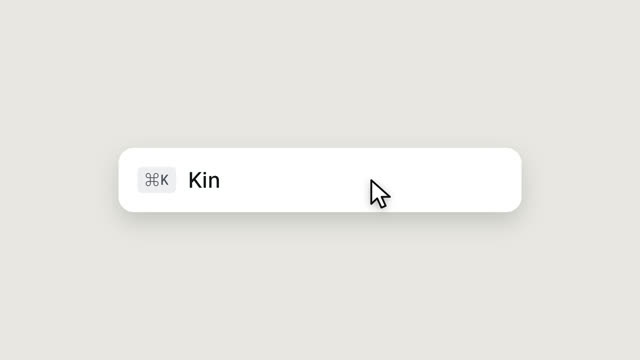
UI morph reel
Nine UI states, one shape, a cursor on every beat.
Dark-mode UI motion
Dark-mode interface motion, keynote style.
Questions
Can I add a real screen recording?
Kinetic is built around screenshots and animated UI. You can export the MP4 and combine it with a screen recording in any video editor.
Which screenshot size works best?
Use crisp desktop or phone screenshots at their native size. Kinetic scales and frames them; cropping to the important area helps the zoom land.
Does Kinetic work on a Mac?
Yes. Kinetic runs in the browser on Mac, Windows, Linux and ChromeOS. Use Chrome, Edge or Safari 16.4 or newer. There is also a desktop app for Windows 10 and 11.
Is Kinetic free?
You can make and edit films for free, and the free trial includes 3 exports with no card. Kinetic Pro is one payment for unlimited exports: $9 for the first 100 buyers, then $19. No subscription.
Can I use the videos commercially?
Yes. The videos you export are yours, and the built-in music is synthesised in the app, so it is licence-free. Respect the rights of any images or logos you import.
Make yours this afternoon.
Open Kinetic in your browser, describe what you're launching, and edit the film it writes. Runs in Chrome, Edge and Safari on Mac, Windows, Linux and ChromeOS. Free trial: 3 exports, no card. Pro is one payment: $9 for the first 100 buyers, then $19. Compare plans.