Kinetic / Guides / Explainer video maker
Short explainer videos that read with the sound off.
Kinetic explainers use kinetic typography, simple diagrams and your screenshots instead of a voiceover and characters. You describe the idea; Kinetic writes the beats, and you edit the words.
Runs in Chrome, Edge and Safari on Mac, Windows, Linux and ChromeOS. Free trial: 3 exports, no card. Pro is one payment: $9 for the first 100 buyers, then $19.
Text-led explainers
Many people watch muted, especially in social feeds. A text-led explainer puts the message on screen, one line at a time, so it works with or without sound. Kinetic adds licence-free music timed to the cuts.
A structure that works for most products
- The problem your audience already feels.
- What changes with your product, in one sentence.
- How it works, in two or three steps.
- Who it's for, or one proof point.
- What to do next.
How to make it
- Open Kinetic at kinetic.launchloop.tech/app and sign in with Google. Nothing to install.
- Describe what you're launching in a sentence or two, or paste your site's URL so Kinetic picks up the name, colours and copy.
- Add screenshots of the product. Kinetic places them in phone, laptop or browser frames and animates them.
- Edit like a document. Change any word, colour, scene or beat; the scene re-times itself to the music.
- Export MP4 in 16:9, 9:16 or 1:1. Rendering happens on your own computer, so nothing waits in a server queue.
Templates to start from
Every template opens in the editor with its words, colours, music and screenshots ready to change. See all 40 templates.
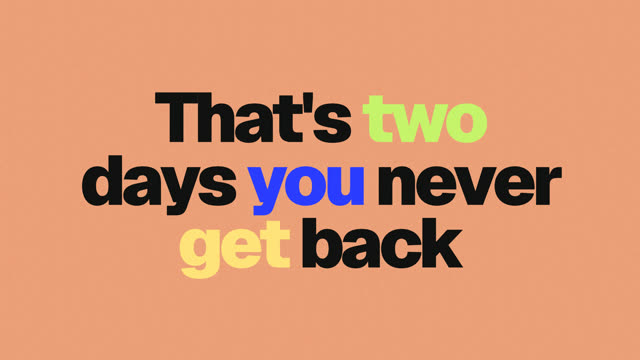
Business explainer
What it is, who it's for, why now.

Kinetic text explainer
Type doing all the talking.
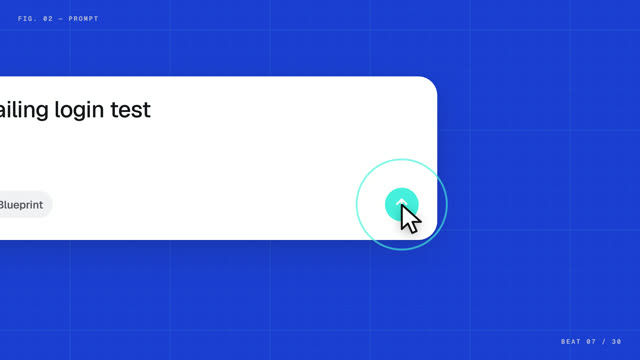
How an agent works
How an agent works, drawn as a blueprint.
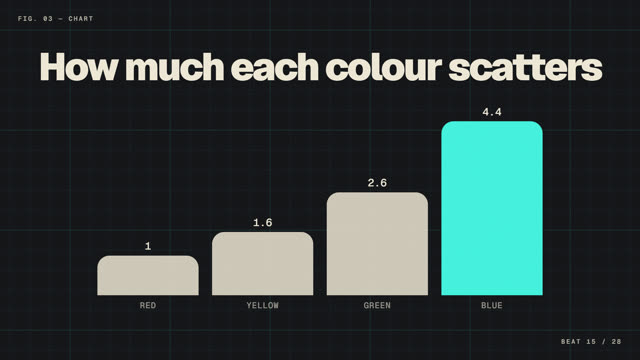
Science explainer
A clear idea drawn step by step.
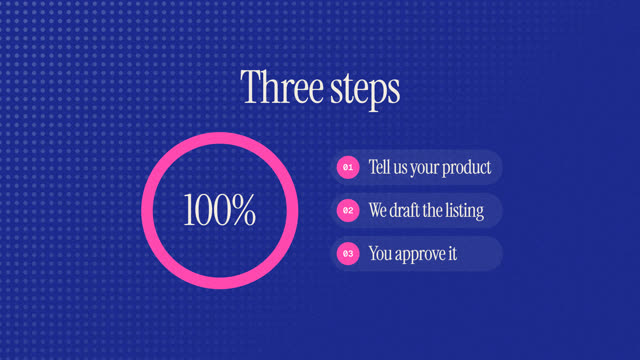
Step-by-step how-to
Numbered steps with riso texture.
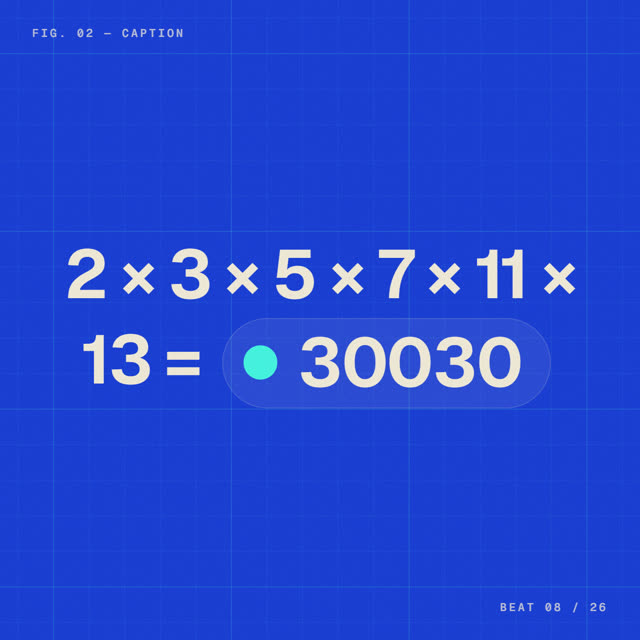
Proof in motion
Numbers and receipts, animated.
Questions
Can I add a voiceover?
Kinetic focuses on text, motion and music. Export the MP4 and add a voiceover in any editor if you need one.
How long should an explainer be?
Short enough to keep one idea per beat. Kinetic's explainer templates run about 10 to 20 seconds; add scenes if your story needs them.
Does Kinetic work on a Mac?
Yes. Kinetic runs in the browser on Mac, Windows, Linux and ChromeOS. Use Chrome, Edge or Safari 16.4 or newer. There is also a desktop app for Windows 10 and 11.
Is Kinetic free?
You can make and edit films for free, and the free trial includes 3 exports with no card. Kinetic Pro is one payment for unlimited exports: $9 for the first 100 buyers, then $19. No subscription.
Can I use the videos commercially?
Yes. The videos you export are yours, and the built-in music is synthesised in the app, so it is licence-free. Respect the rights of any images or logos you import.
Related guides
Make yours this afternoon.
Open Kinetic in your browser, describe what you're launching, and edit the film it writes. Runs in Chrome, Edge and Safari on Mac, Windows, Linux and ChromeOS. Free trial: 3 exports, no card. Pro is one payment: $9 for the first 100 buyers, then $19. Compare plans.