Kinetic / Guides / Motion graphics online
Motion graphics in a browser tab.
Kinetic gives you the look of a motion-designed film (kinetic type, animated product screens, 3D phones and laptops, particle and glow effects) without keyframes, plugins or a powerful machine.
Runs in Chrome, Edge and Safari on Mac, Windows, Linux and ChromeOS. Free trial: 3 exports, no card. Pro is one payment: $9 for the first 100 buyers, then $19.
What you can make
Launch films, product demos, feature announcements, social ads, logo intros, explainers and showreels. Kinetic ships 40 templates, 27 visual styles and dozens of scene types, all timed to music.
Why it runs in the browser
Kinetic renders and encodes the video on your own computer using the browser's built-in video encoder. There's no upload, no render queue and nothing to install, and it works the same on Mac, Windows, Linux and ChromeOS.
How to make it
- Open Kinetic at kinetic.launchloop.tech/app and sign in with Google. Nothing to install.
- Describe what you're launching in a sentence or two, or paste your site's URL so Kinetic picks up the name, colours and copy.
- Add screenshots of the product. Kinetic places them in phone, laptop or browser frames and animates them.
- Edit like a document. Change any word, colour, scene or beat; the scene re-times itself to the music.
- Export MP4 in 16:9, 9:16 or 1:1. Rendering happens on your own computer, so nothing waits in a server queue.
Templates to start from
Every template opens in the editor with its words, colours, music and screenshots ready to change. See all 40 templates.
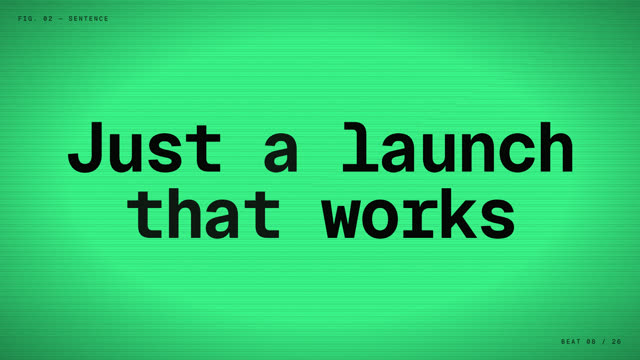
Black + neon
Black, neon and a hard cut on the drop.
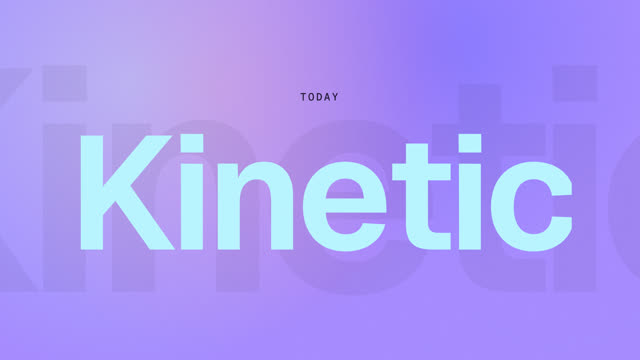
Keynote reveal
A slow, glassy reveal for a big release.

Studio résumé reel
Hook in a second, a run of techniques, a clean last frame.

Beat-synced square
Square, halftone, every cut on the beat.

Dark-mode UI motion
Dark-mode interface motion, keynote style.
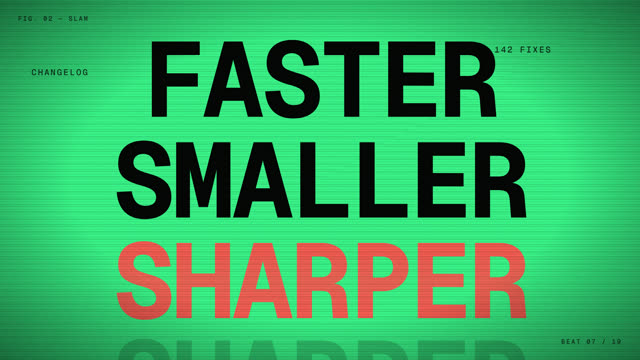
Release hype reel
Version number, changelog, hype.
Questions
Do I need a powerful computer?
No. A faster machine finishes the export sooner, but any recent laptop running Chrome, Edge or Safari 16.4+ works.
Can I export a transparent video?
Kinetic exports MP4. Each style has its own background.
Does Kinetic work on a Mac?
Yes. Kinetic runs in the browser on Mac, Windows, Linux and ChromeOS. Use Chrome, Edge or Safari 16.4 or newer. There is also a desktop app for Windows 10 and 11.
Is Kinetic free?
You can make and edit films for free, and the free trial includes 3 exports with no card. Kinetic Pro is one payment for unlimited exports: $9 for the first 100 buyers, then $19. No subscription.
Can I use the videos commercially?
Yes. The videos you export are yours, and the built-in music is synthesised in the app, so it is licence-free. Respect the rights of any images or logos you import.
Make yours this afternoon.
Open Kinetic in your browser, describe what you're launching, and edit the film it writes. Runs in Chrome, Edge and Safari on Mac, Windows, Linux and ChromeOS. Free trial: 3 exports, no card. Pro is one payment: $9 for the first 100 buyers, then $19. Compare plans.