Kinetic / Guides / Best AI trailer makers
The best AI trailer makers for a product launch.
Asked an AI to make your launch trailer? These are the tools that do most of the work from a description, and what each one is actually good at. (Kinetic is our product; we've tried to be fair to the others.)
Runs in Chrome, Edge and Safari on Mac, Windows, Linux and ChromeOS. Free trial: 2 AI films, 2 rewrites and 3 watermarked exports, no card. Pro is $1 a day ($24 every 24 days), down to $0.61 a day on the yearly plan; cancel anytime. Hosted AI is subject to service limits; see pricing.
Quick answer
- Motion-graphics trailer that shows your real product, editable word by word: Kinetic.
- Hands-off video agent with AI footage and voiceover: Agent Opus or Pexo.
- Stock-footage video from a prompt: InVideo.
- An AI presenter on camera: HeyGen.
- Template-based promo with stock media: FlexClip.
1. Kinetic
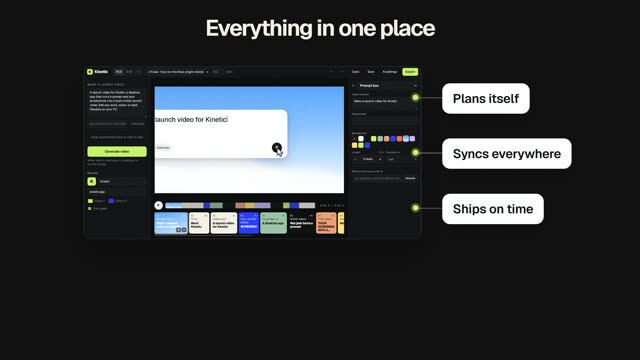
Describe the product (or paste the URL) and Kinetic writes, animates and scores a launch trailer: kinetic typography, your screenshots in device frames, 3D scenes and cuts on the beat. Edit any word, colour or scene afterwards. Runs in the browser; 2 free AI films; Pro from $0.61 a day. Best for: SaaS, app and dev-tool launches. Try it free.
2. Agent Opus
OpusClip's video agent researches, scripts, generates visuals and adds a voiceover from a prompt, script or link. Best for: hands-off content videos. Kinetic vs Agent Opus.
3. Pexo
A chat-based video agent that produces launch videos with AI video models, voiceover and music. Best for: cinematic generated shots of a visual product. Kinetic vs Pexo.
4. InVideo AI
Turns a prompt into a video from stock footage, generated clips and AI voiceover. Best for: stock-footage explainers and ads. Kinetic vs InVideo.
5. HeyGen
AI avatar videos: a realistic presenter reads your script, with translation and lip-sync. Best for: presenter-led explainers. Kinetic vs HeyGen.
6. FlexClip
A template-based online video maker with AI text-to-video and stock media. Best for: quick template promos. Kinetic vs FlexClip.
How to choose
If your product is software, the trailer should show the real interface, which generated footage can't do; that's what Kinetic is for. If you sell something visual and want cinematic shots, try a generative agent. If you want a person on screen, use an avatar tool.
Templates to start from
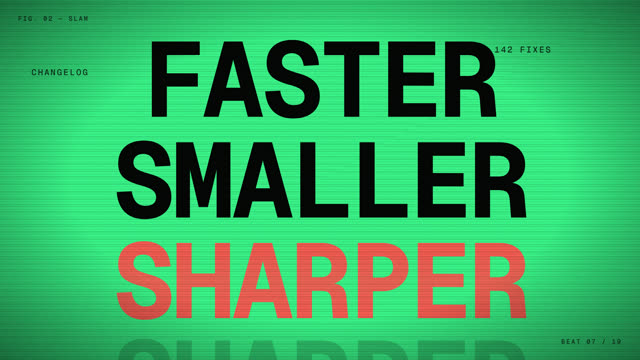
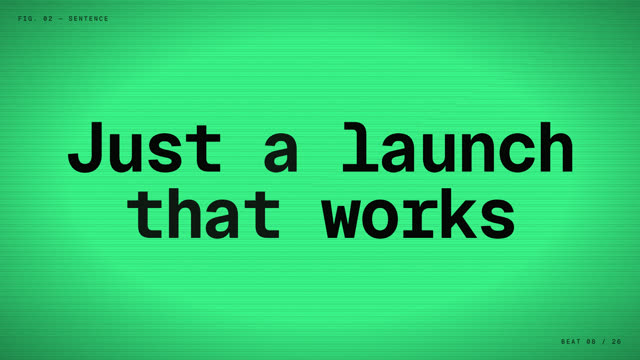
Every template opens in the editor with its words, colours, music and screenshots ready to change. See all 44 templates.

Questions
Can AI make a whole product launch trailer from a description?
Yes. Kinetic writes the whole trailer from one sentence or your URL in seconds, then lets you edit every scene. Agent Opus and Pexo also produce full videos from a brief, using generated footage.
What's the best free AI trailer maker?
Kinetic gives 2 free AI films with no card, in the browser. Most others have free tiers with watermarks or credit limits.
Does Kinetic work on a Mac?
Yes. Kinetic runs in the browser on Mac, Windows, Linux and ChromeOS. Use Chrome, Edge or Safari 16.4 or newer.
Is Kinetic free?
You can make and edit films for free, and your first 2 AI films are free, no card. Kinetic Pro is $1 a day ($24 every 24 days) for unlimited AI films and clean exports, or less on the 3-month, 6-month and yearly plans. Cancel anytime.
Can I use the videos commercially?
Yes. The videos you export are yours, and the built-in music is synthesised in the app, so it is licence-free. Respect the rights of any images or logos you import.
Related guides
Make yours this afternoon.
Open Kinetic in your browser, describe what you're launching, and edit the film it writes. Runs in Chrome, Edge and Safari on Mac, Windows, Linux and ChromeOS. Free trial: 2 AI films, 2 rewrites and 3 watermarked exports, no card. Pro is $1 a day ($24 every 24 days), down to $0.61 a day on the yearly plan; cancel anytime. Hosted AI is subject to service limits; see pricing. Compare plans.