Kinetic / Guides / Kinetic typography
Kinetic typography: words that move with meaning.
Kinetic typography is animated text that carries the message: words slam in on the beat, swap mid-sentence, type themselves on or ripple like a wave. It is the look of most modern launch films, lyric videos and title sequences. Here is how it works, with examples you can open and edit.
Runs in Chrome, Edge and Safari on Mac, Windows, Linux and ChromeOS. Free trial: 2 AI films, 2 rewrites and 3 watermarked exports, no card. Pro is $24 for 24 days, or from $18.50 a month on the longer plans; cancel anytime. Hosted AI is subject to service limits; see pricing.
What is kinetic typography?
Kinetic typography ("moving type") is a motion-graphics technique where text is the main visual. Instead of showing footage with captions, the words themselves move, scale, rotate and cut to the rhythm of the music or a voice. The idea comes from film title design, and lyric videos made it popular online. Today it is the default style for product launch films, ads and social videos because it reads with the sound off.
The techniques, with examples
- Slam: a word lands big and hard on the downbeat, often with a small camera shake. See the Designer showreel template.
- Word swap: one word in a sentence changes on each beat ("Made for launches / demos / waitlists").
- Type-on: letters appear as if typed, with a caret, often for a prompt or a search.
- Stagger and wave: letters arrive one after another, or ripple in a wave.
- Highlight: a marker sweeps behind the key word.
- Nine beats: nine short lines, one idea each, cut fast on a grid. See Nine beats.
- Spoken word: each phrase lands with the voice. See Spoken word.
What makes kinetic typography work
- One idea per beat. Short lines, three to six words. If it doesn't read in a second, split it.
- Cut on the music. Motion that lands on the beat feels designed; motion between beats feels random.
- Contrast in scale. Make the important word much bigger than the rest.
- A limited palette. Two or three colours, with one accent for the key word.
- Hold the last frame. Give the final line, usually a name or call to action, a full second to read.
How to make kinetic typography without After Effects
In After Effects, kinetic typography means keyframing every word by hand, which takes hours for a 15-second piece. Kinetic does the animation for you: type your lines (or describe the video and let the AI write them), pick a style, and every word is animated and cut to licence-free music. Change any word and the scene re-times itself.
- Open Kinetic at kinetic.launchloop.tech/app and sign in with Google. Nothing to install.
- Describe what you're launching in a sentence or two, or paste your site's URL so Kinetic picks up the name, colours and copy.
- Add screenshots of the product. Kinetic places them in phone, laptop or browser frames and animates them.
- Edit like a document. Change any word, colour, scene or beat; the scene re-times itself to the music.
- Export MP4 in 16:9, 9:16 or 1:1. Rendering happens on your own computer, so nothing waits in a server queue.
Export MP4 or GIF in 16:9, 9:16 or 1:1. For a step-by-step walkthrough, see the kinetic typography video maker.
Kinetic typography GIFs
Kinetic exports any film as a GIF as well as an MP4, which is handy for README files, emails and Slack. Keep GIFs short (3 to 6 seconds); text-only films compress far better than footage.
Kinetic typography templates to open and edit
Every template opens in the editor with its words, colours, music and screenshots ready to change. See all 44 templates.
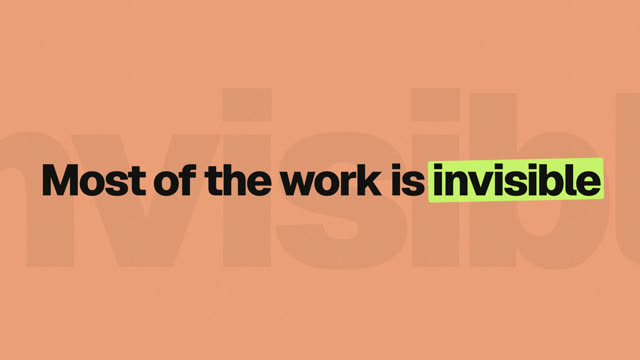
Kinetic text explainer
Type doing all the talking.
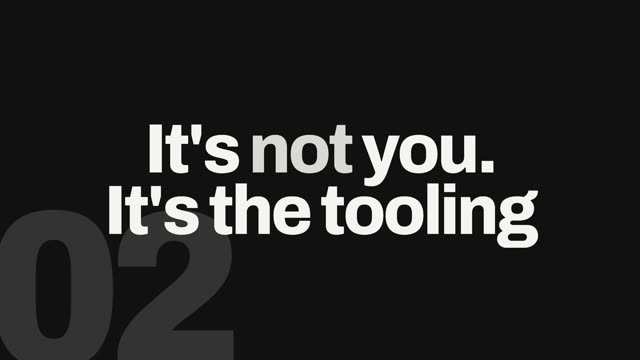
Nine-beat launch
Nine fast beats, one idea each, on a Swiss grid.
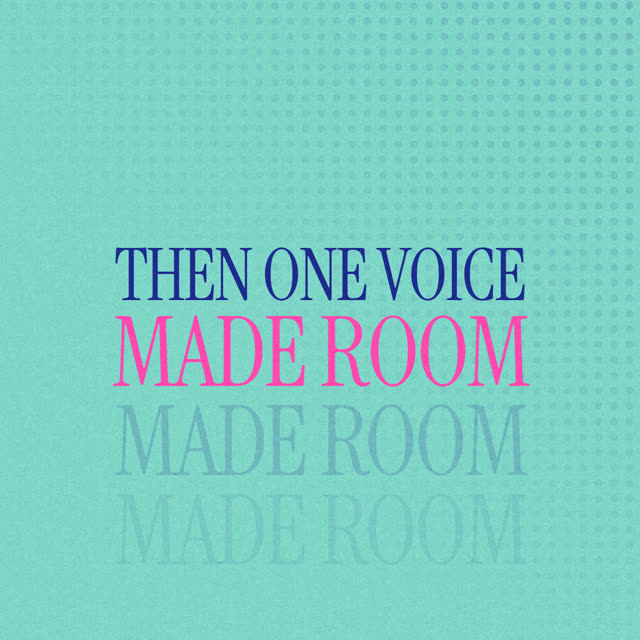
Spoken-word film
Words land with the voice.
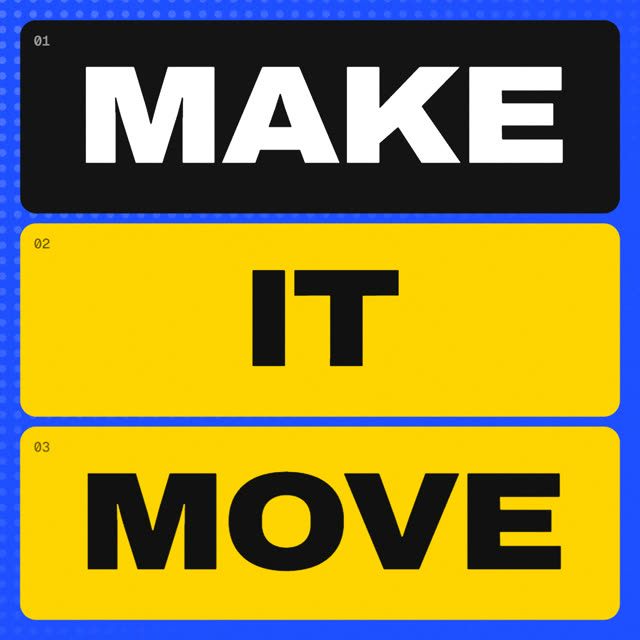
Beat-synced square
Square, halftone, every cut on the beat.
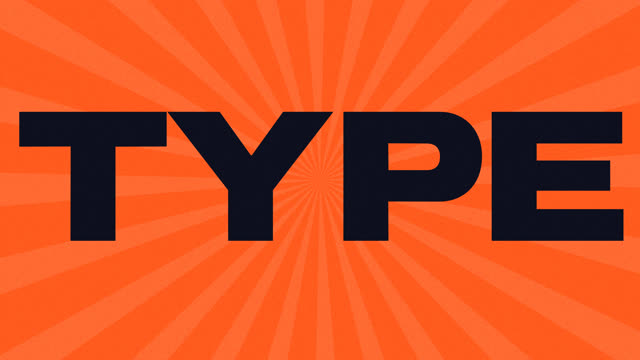
Looping showreel
Loud and playful, ends where it started.
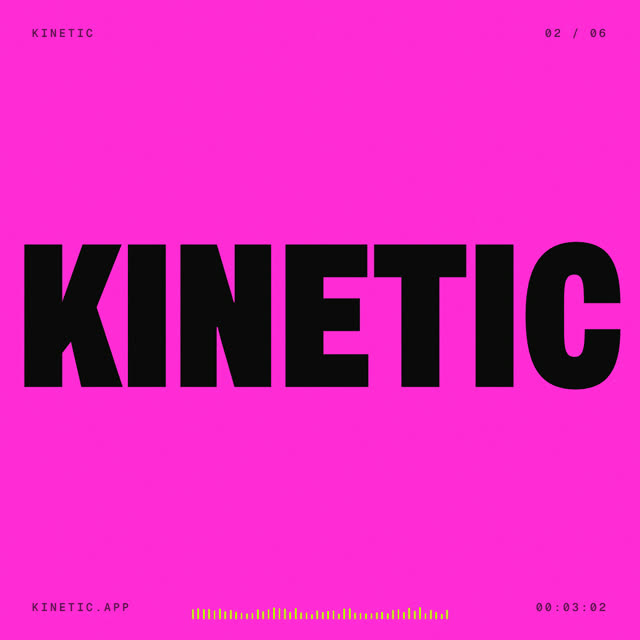
Street-poster bumper
A street-poster logo sting.
Questions
What software is used for kinetic typography?
Motion designers traditionally use Adobe After Effects with keyframes. Browser tools such as Kinetic animate the text for you from your lines or a prompt, with no keyframes.
Is kinetic typography the same as motion graphics?
It is one kind of motion graphics: the kind where text is the main element. Motion graphics also covers shapes, icons, UI and illustration.
How long should a kinetic typography video be?
For social and launch posts, 8 to 20 seconds. Lyric videos run the length of the song.
Can I make a kinetic typography GIF?
Yes. Kinetic exports MP4 or GIF in 16:9, 9:16 or 1:1.
Does Kinetic work on a Mac?
Yes. Kinetic runs in the browser on Mac, Windows, Linux and ChromeOS. Use Chrome, Edge or Safari 16.4 or newer.
Is Kinetic free?
You can make and edit films for free, and your first 2 AI films are free, no card. Kinetic Pro is $24 for 24 days for unlimited AI films and clean exports, or less on the 3-month, 6-month and yearly plans. Cancel anytime.
Can I use the videos commercially?
Yes. The videos you export are yours, and the built-in music is synthesised in the app, so it is licence-free. Respect the rights of any images or logos you import.
Make yours this afternoon.
Open Kinetic in your browser, describe what you're launching, and edit the film it writes. Runs in Chrome, Edge and Safari on Mac, Windows, Linux and ChromeOS. Free trial: 2 AI films, 2 rewrites and 3 watermarked exports, no card. Pro is $24 for 24 days, or from $18.50 a month on the longer plans; cancel anytime. Hosted AI is subject to service limits; see pricing. Compare plans.